Step-by-step STEM assembly guide

Makerzoid Model Instructions

Explore step-by-step assembly guides for Makerzoid STEM kits. Search by model, kit, category, difficulty or assembly time.

Designed for teachers, school classes, robotics clubs and independent STEM learning.

907+
Instructions
3
Difficulty levels
K-8
Classroom ready

Kits

Browse STEM kits and explore available models.

Search the library

Use one or more filters to narrow the lesson list.

10.Space Series

Robot Master Premium

Moon Exploration Vehicle | Robot Master Premium STEM Kit | Makerzoid

Build Moon Exploration Vehicle โ€” a advanced vehicle STEM project from Robot Master Premium. Space exploration engineering, rocket and satellite design. For ages 6+.

123 steps Hard 92 min Average build time: ~45 sec per step
Mechanical Series

Superbot Master Premium

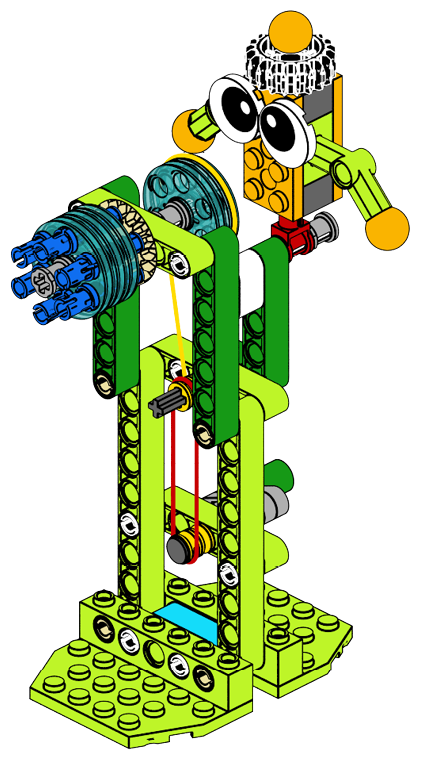
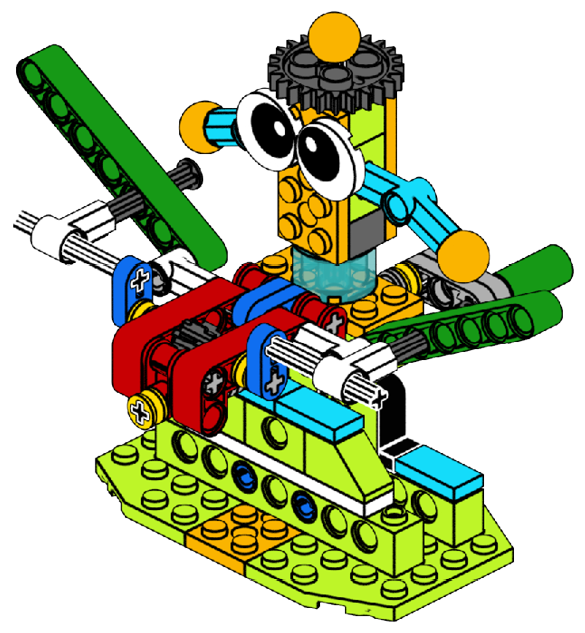
Waving Figure | Superbot Master Premium STEM Kit | Makerzoid

Build Waving Figure โ€” a beginner-friendly mechanical device STEM project from Superbot Master Premium. Mechanical engineering principles, complex mechanisms. For ages 6+.

1 step Easy
Mechanical Series

Superbot Master Premium

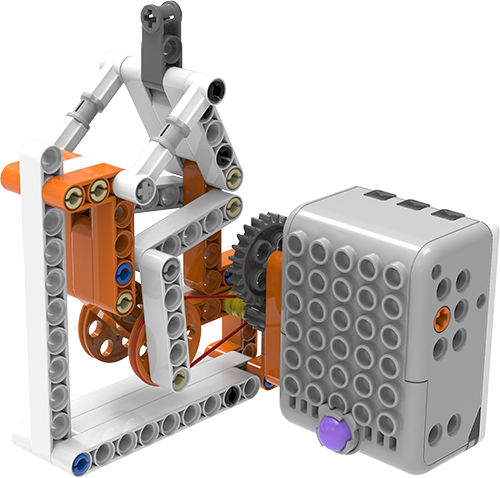
Clothes Rack | Superbot Master Premium STEM Kit | Makerzoid

Build Clothes Rack โ€” a beginner-friendly mechanical device STEM project from Superbot Master Premium. Mechanical engineering principles, complex mechanisms. For ages 6+.

1 step Easy
3.YL Corps

Robot Master Standard

Manual Gatling Gun | Robot Master Standard STEM Kit | Makerzoid

Build Manual Gatling Gun โ€” a beginner-friendly mechanical device STEM project from Robot Master Standard. Yl construction techniques, creative building. For ages 6+.

62 steps Easy 47 min Average build time: ~45 sec per step
10.Space Series

Robot Master Premium

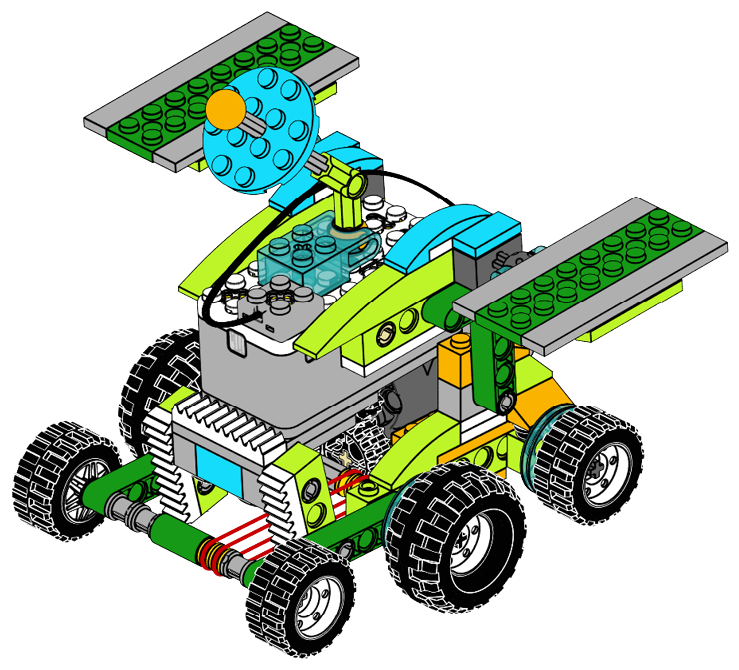
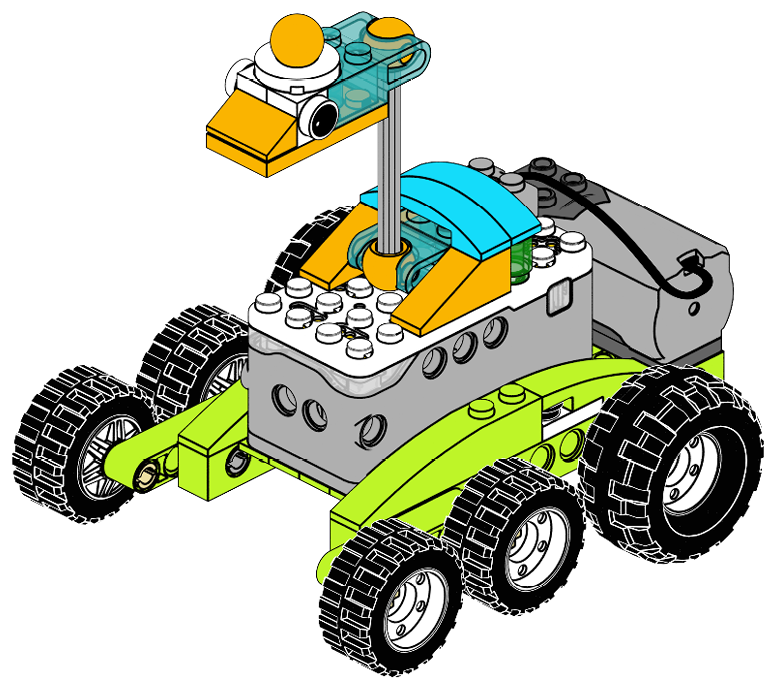
Moon Rover | Robot Master Premium STEM Kit | Makerzoid

Build Moon Rover โ€” a advanced space exploration model STEM project from Robot Master Premium. Space exploration engineering, rocket and satellite design. For ages 6+.

51 steps Hard 38 min Average build time: ~45 sec per step
3.YL Corps

Robot Master Standard

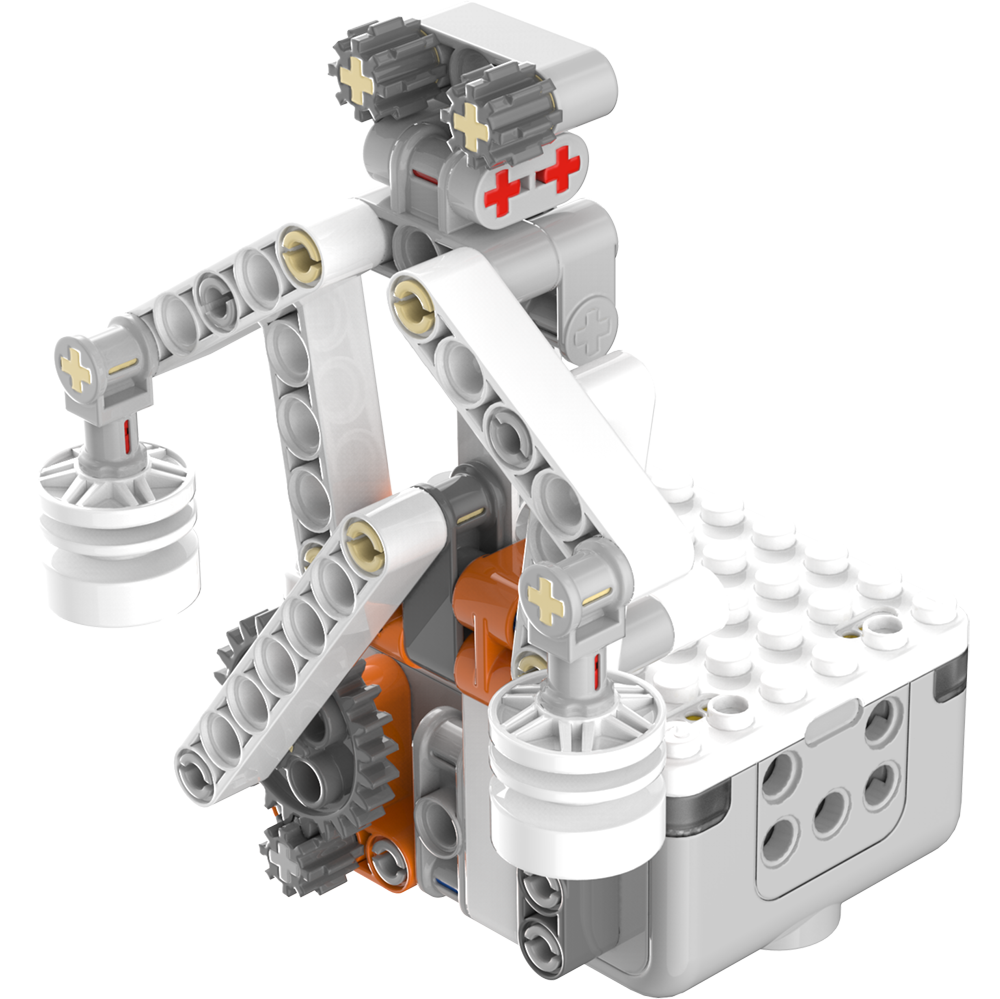
Manual Joint Motion 1 | Robot Master Standard STEM Kit | Makerzoid

Build Manual Joint Motion 1 โ€” a beginner-friendly mechanical device STEM project from Robot Master Standard. Yl construction techniques, creative building. For ages 6+.

59 steps Easy 44 min Average build time: ~45 sec per step
10.Space Series

Robot Master Premium

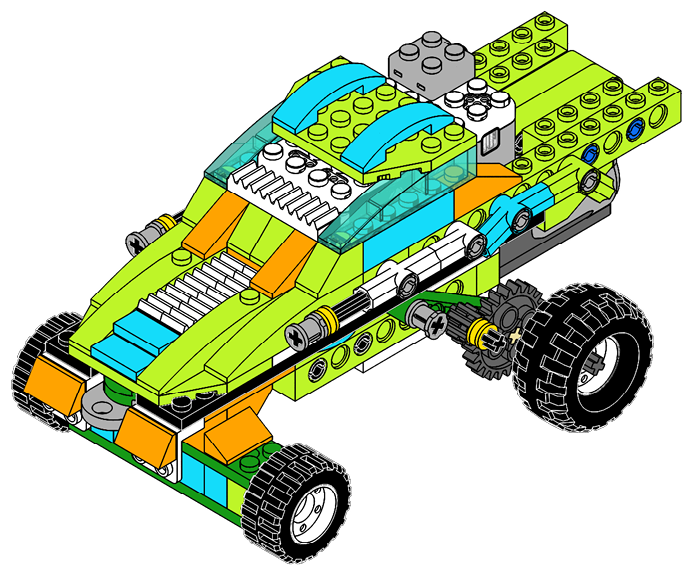
Off-road Rover | Robot Master Premium STEM Kit | Makerzoid

Build Off-road Rover โ€” a advanced space exploration model STEM project from Robot Master Premium. Space exploration engineering, rocket and satellite design. For ages 6+.

74 steps Hard 56 min Average build time: ~45 sec per step
Mechanical Series

Superbot Master Premium

Exercise Bike | Superbot Master Premium STEM Kit | Makerzoid

Build Exercise Bike โ€” a beginner-friendly mechanical device STEM project from Superbot Master Premium. Mechanical engineering principles, complex mechanisms. For ages 6+.

1 step Easy
3.YL Corps

Robot Master Standard

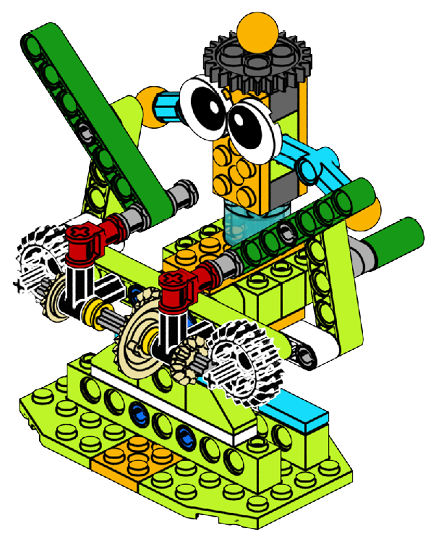
Manual Joint Motion 2 | Robot Master Standard STEM Kit | Makerzoid

Build Manual Joint Motion 2 โ€” a beginner-friendly mechanical device STEM project from Robot Master Standard. Yl construction techniques, creative building. For ages 6+.

54 steps Easy 41 min Average build time: ~45 sec per step
10.Space Series

Robot Master Premium

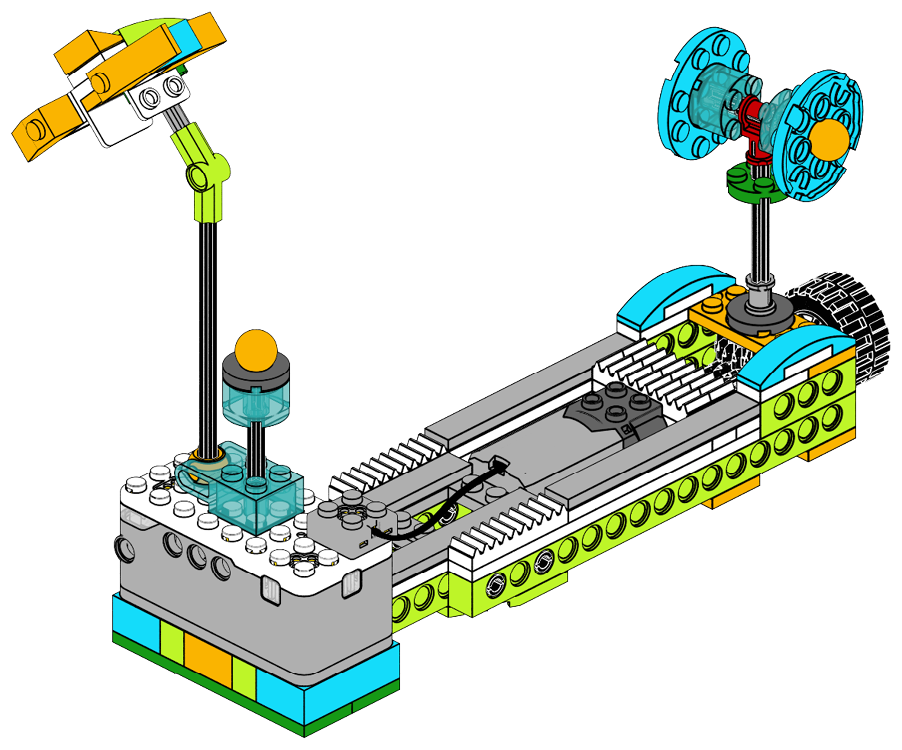
Planetary System | Robot Master Premium STEM Kit | Makerzoid

Build Planetary System โ€” a advanced space exploration model STEM project from Robot Master Premium. Space exploration engineering, rocket and satellite design. For ages 6+.

63 steps Hard 47 min Average build time: ~45 sec per step
Mechanical Series

Superbot Master Premium

Coin Pusher | Superbot Master Premium STEM Kit | Makerzoid

Build Coin Pusher โ€” a beginner-friendly mechanical device STEM project from Superbot Master Premium. Mechanical engineering principles, complex mechanisms. For ages 6+.

1 step Easy

How it works

From search to a classroom build in three simple steps.

  1. 1

    Search or filter

    Find the right model by kit, category, difficulty or build time.

  2. 2

    Pick a model

    Scan steps, difficulty and time at a glance, then choose a build.

  3. 3

    Open the lesson

    Launch the step-by-step viewer and start building with your class.